


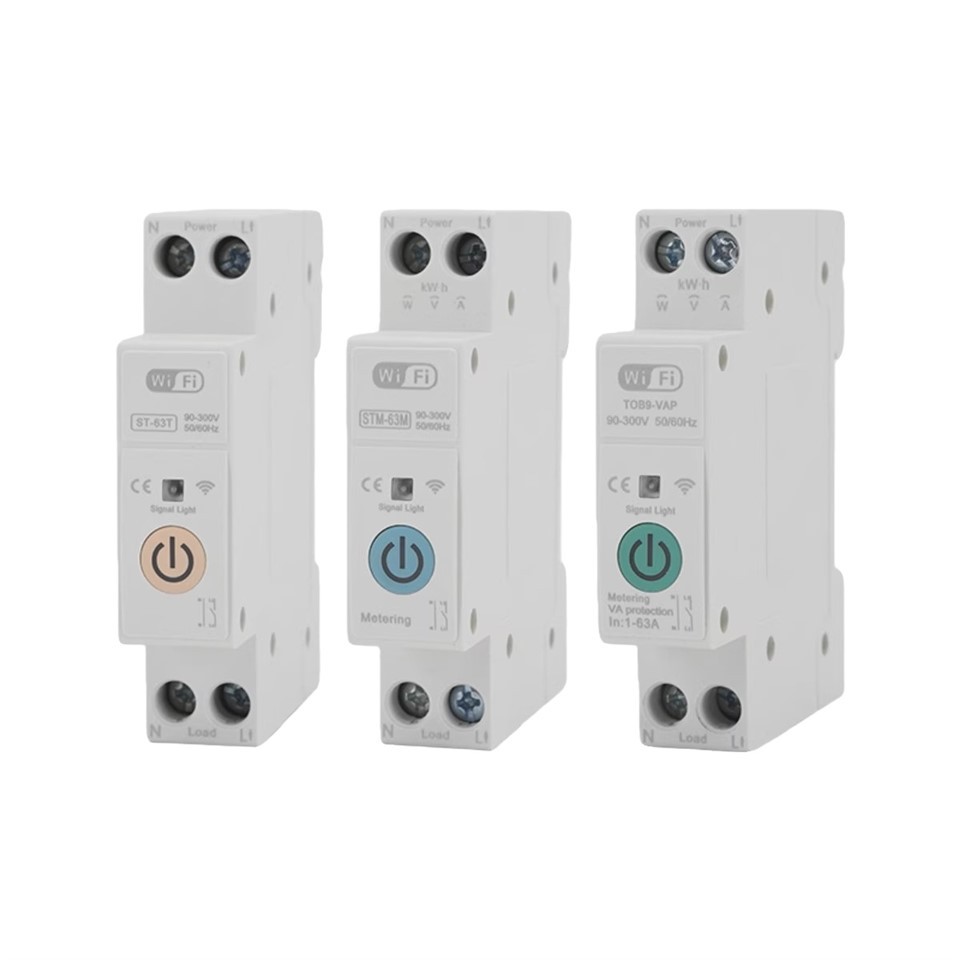

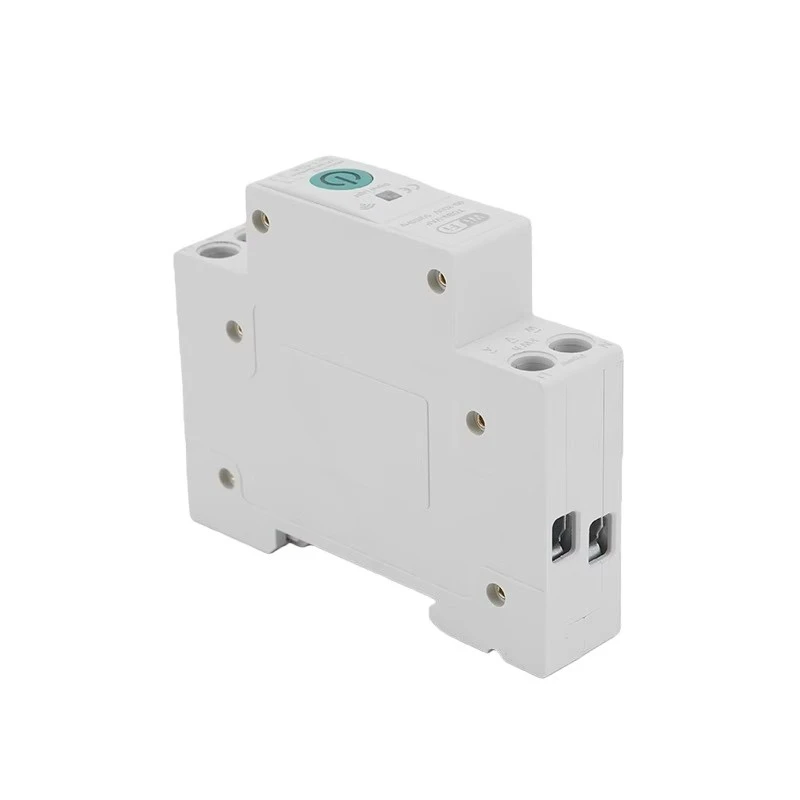
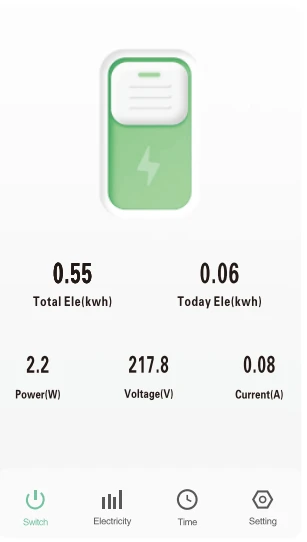
The switch can monitor the current, voltage and power of the load equipment in real time, and can also record the power consumption of the year, month, day, hour and different time periods, helping users check the power consumption of load equipment more clearly,. Setting the switch status of the equipment in different scenarios, and remotely monitor the real-time situation of the load electrical appliances.

Users can also download our product APP for mobile phone operation.Scan the QR code below to download.

Main Function
- Remote control
- Timing
- Loop timing
- Voice control
- Countdown
- Real-time monitoring of electricity consumption
- Overcurrent protection
- Undervoltage protection
- Overvoltage protection
Main Data Parameter
| Poles description | 1P+N(N pole Pass-through) |
| Rated operating voltage range | 90-300V |
| Control type | Manual, Remote control APP |
| Protocol | Wifi (Default ) |
| Customization | SigMesh/ZigBee |
LED Indicator Description
- The LED indicator shows a steady blue light to indicate that thes witch in ON status.
- The LED indicator shows a light off to indicate that the switch in OFF status.(in off grid mode, there is no light indicating, switch shall be carefully operated to keep safety.)
- The LED indicator shows blue flashing to indicate that switch inparting model.
Configuration Steps
First Step:
Connect the wire from upper of the switch, the live wire connect to the L pole, and the neutral wire connect to the Npole.Please make sure the wiring is correct and with stron WlFl signal. Then scan the APP QR code to download and register.

Second step:
Tum on the Bluetooth and WlFl of the mobile phone, open the APP and long press the "power"button, wait for about 5-10 seconds, the LED indicator wil flash blow light slowly. Then wait in Tuya interface.

Third step:
Waiting for a while after Tuya display the APP, or click"the upper right corner, and wait to discover devices. Then click "Add" botton.

Fifth Step:
After successful connection, the LED indicator will change from blue slow flashing to blue steady light.
Timing function
Timing types could be selected accordingly.

Alarm protection setting(adjustable)
We can also set alarm protections through the APP, and adjust thresholds for power, overcurrent, overvoltage, etc.


Device share


Decice sharing
Click on "share with the Account smart Life" to type the accountyou want to share.

About Us
Tengtai brand operator TengTai International Co., Ltd. was founded in 1984. After 30 years of market development and development, it has become a large-scale modern private electrical appliance enterprise integrating manufacturing, scientific research, trade and service.


Hot Tags: wifi din rail switch, China wifi din rail switch suppliers


